Orchestrate · User guides

Pick up the app. Get the job done.

A small library of practical, role-based guides for the Concerto Orchestrate mobile app — written for the people using it on site every day. Choose a guide below to get started.

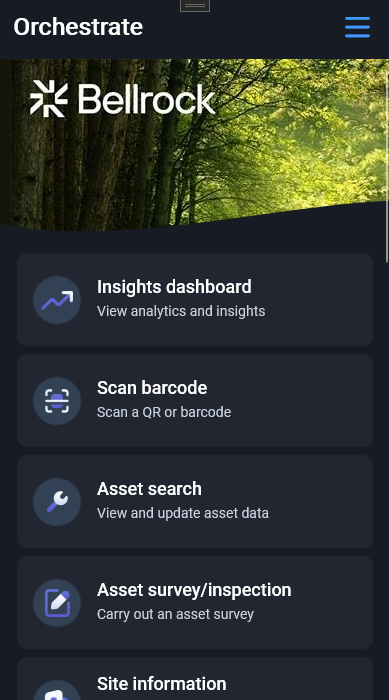
Orchestrate home screen

Guide 01 · For engineers

Orchestrate for engineers — quick-start guide

The fastest way to get a mobile engineer productive on Orchestrate. Covers signing in (including QR-code login), scanning and searching for assets, working through your tasks, and keeping accreditations up to date.

What's inside

  • Logging in with username & password or QR code, plus first-run permissions
  • Finding an asset by scanning a tag or searching the asset register
  • Working My tasks end to end — actions, checklists, photos, parts, sign-off
  • Renewing accreditations and uploading evidence
  • How offline mode and sync work in the field
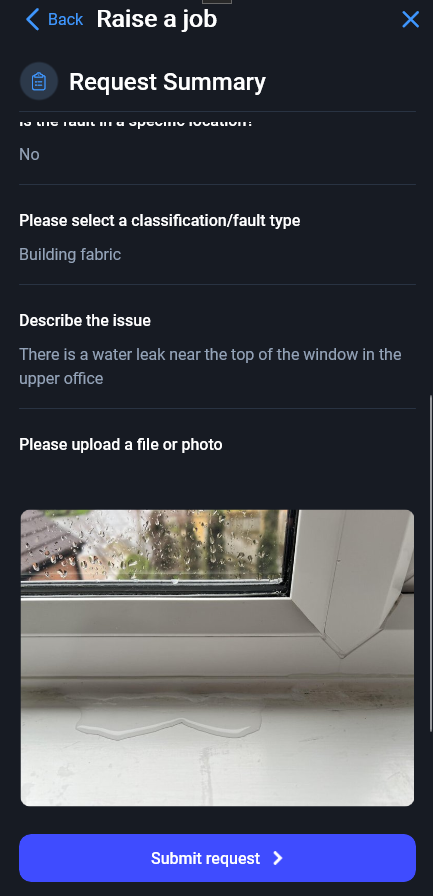
Raise a job summary screen

Guide 02 · For requesters & engineers

Raising a new job on Orchestrate

A short walk-through of the Raise a job flow — the guided workflow that turns a problem on site into a job in Concerto. Useful for engineers, building managers, and anyone with permission to log new work.

What's inside

  • Where the Raise a job button lives and who sees it
  • The six-step happy path: home → site → workflow → asset → questions → summary
  • How branching questions, photos and free-text answers are captured
  • Scanning an asset as the starting point
  • What happens once you submit, and how it appears back in Concerto
Orchestrate home screen

Guide 03 · For surveyors

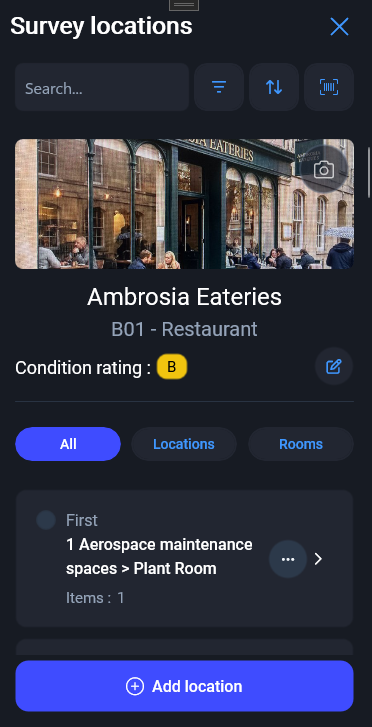
Creating and managing Condition Surveys

A practical how-to for professional surveyors running building or electrical condition surveys on Orchestrate — from downloading a site for offline work, through capturing every element and defect, to building cost estimates and syncing back to Concerto.

What's inside

  • Downloading a site offline with the survey-type, disciplines and scope wizard
  • Working block by block, location by location, element by element
  • Capturing condition, defects, severity, life remaining and measurements
  • The Options menu — copy/paste records, next/previous location, mark complete
  • Building cost estimates from schedule-of-rates items
  • Resurvey, Ask AI inspection reports, and how the 3-minute push sync works
Orchestrate home screen

Guide 04 · For building managers & caretakers

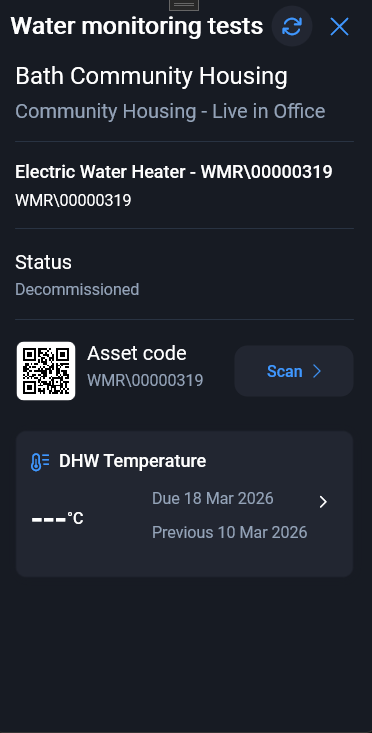
Water monitoring & Legionella checks

A practical how-to for the building manager, caretaker or responsible person carrying out routine water-monitoring checks — hot- and cold-outlet temperatures, little-used outlet flushes, TMV servicing, shower head descales — in line with HSG 274 and ACoP L8.

What's inside

  • Why the checks matter — a one-page tour of HSWA, COSHH, ACoP L8 and HSG 274
  • Downloading a site, picking a block, finding what's Overdue, Due or Sent
  • Scanning outlet, TMV and calorifier labels to jump straight to the asset
  • Temperature tests with the live pass/fail rule banner
  • Non-temperature checks — flushing, shower clean, TMV service, tank inspection
  • Changing an asset's status when an outlet is taken out of use
  • Two-way background sync and a reference table of common L8 test types
Orchestrate home screen showing Asbestos reinspections

Guide 05 · For asbestos surveyors

Asbestos reinspections

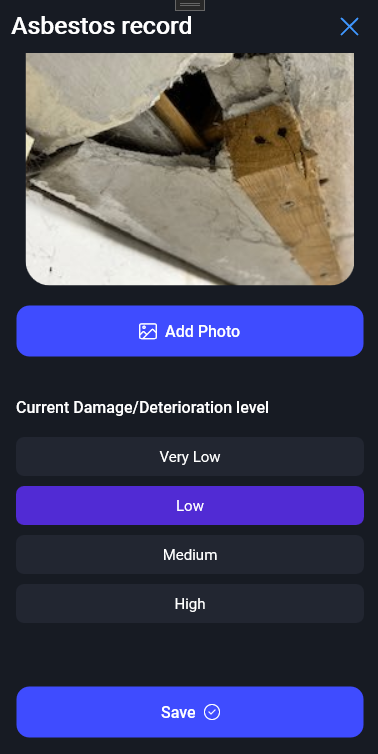
A practical how-to for professional asbestos surveyors using Orchestrate to resurvey an existing property, update asbestos record condition and priority details, add photos and notes, and sync the revised register back to Concerto.

What's inside

  • Downloading a site's asbestos data for field use
  • Working block by block with Records and Overdue counts
  • Finding due records in the Requiring reinspection tab
  • Updating damage/deterioration, recommendations, next inspection dates and notes
  • Updating priority assessment fields for use, access, occupancy and maintenance
  • Recording ACM not present/removed where appropriate
  • Syncing edited records and completing the survey
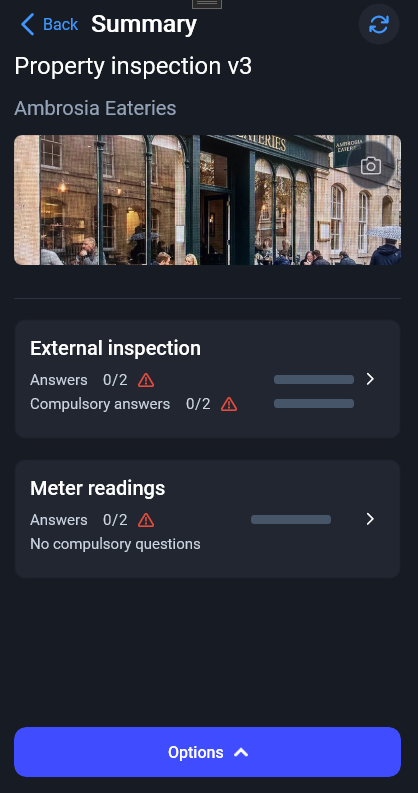
Orchestrate home screen showing Inspections/Forms/Checklists

Guide 06 · For fire inspectors

Fire inspections and audits

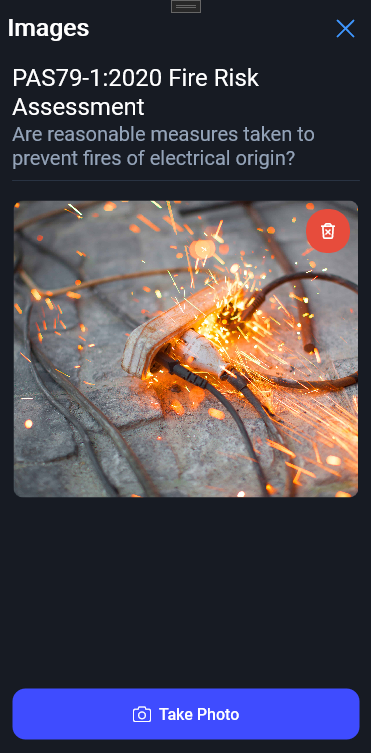
A practical how-to for professional fire inspectors using Orchestrate to resurvey an existing property, complete pre-set fire questionnaires, record likelihood and impact, and sync audit evidence back to Concerto.

What's inside

  • Logging in, onboarding and opening Inspections/Forms/Checklists
  • Downloading fire questionnaire templates and site data
  • Starting or resuming a fire inspection for a site, block and lease
  • Working through rooms, sections, compulsory questions, notes and evidence
  • Assessing the likelihood, potential consequence and fire risk rating
  • Completing the audit, generating a PDF report where available, and syncing back to Concerto
  • A short UK fire-management reference based on GOV.UK guidance
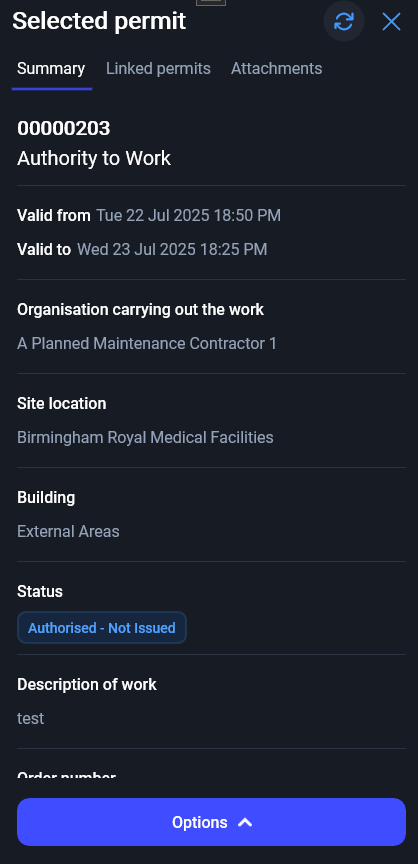
Permit to Work detail screen

Guide 07 · For site teams & contractors

Permit to Work in Orchestrate

A practical how-to for site operatives, managers and contractor operatives using Orchestrate to authorise, issue, present, upload evidence for, check attendance against and close permits to work.

What's inside

  • Logging in with username & password, SSO or QR-code login, plus first-run permissions
  • Opening the Permit to work button from the Home page
  • Site operative and manager flow — review, authorise, issue, check progress and close permits
  • Contractor operative flow — present permits, accept conditions, upload data and hand back
  • Checking people in and out of site under an active permit
  • Safety stops, evidence quality, sync behaviour and troubleshooting